From Posh Notebooks to Prompts: How AI Redesigned My Business and Daily Life
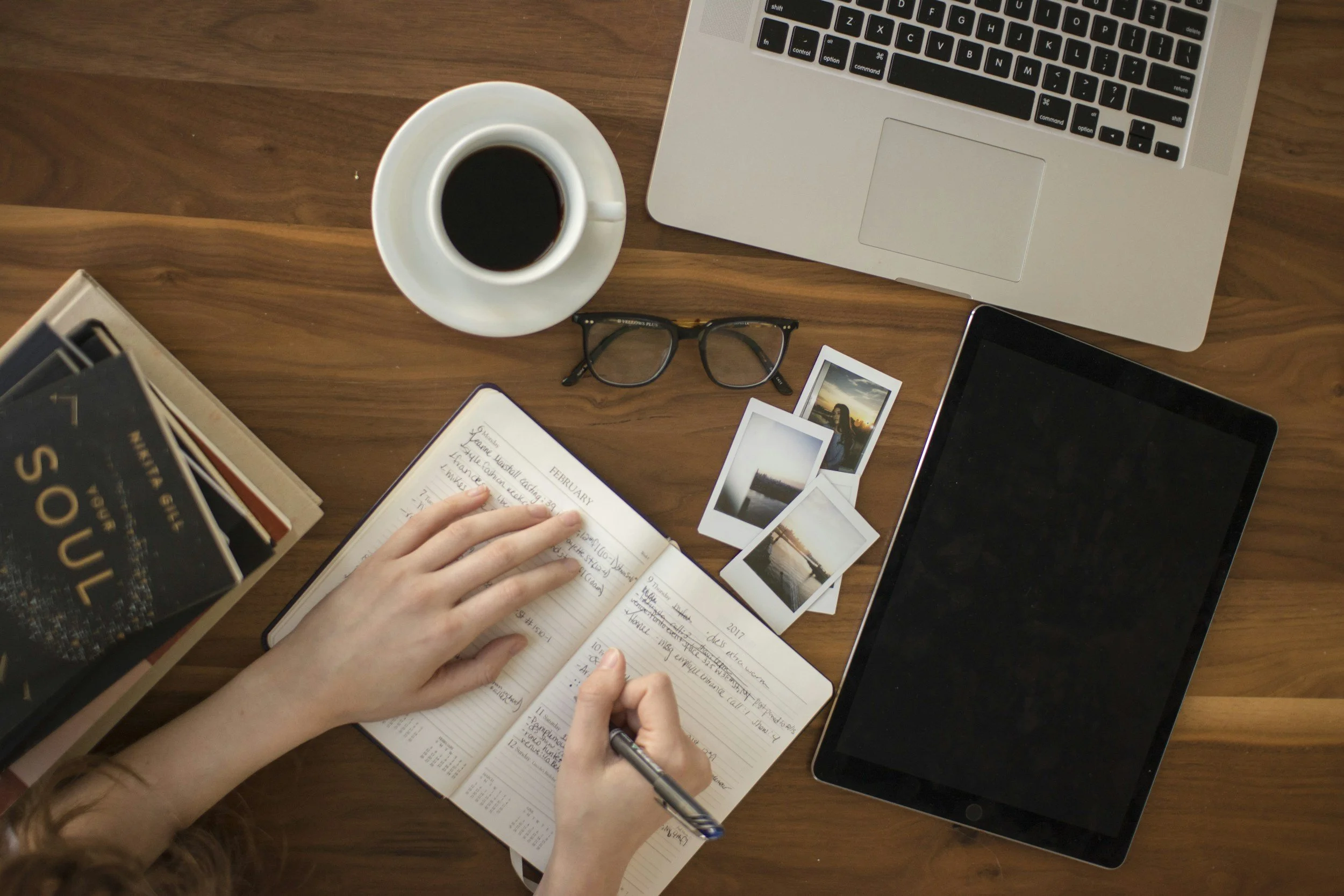
There was a time when my morning routine was sacred. I’d sit down with a ridiculously posh notebook and an expensive fountain pen, ready to pour my thoughts onto the page. But let's be honest: over time, that fountain pen ended up rotting in a drawer, and the blank pages felt more daunting than inspiring.
Today, my daily routine looks a bit different. I haven’t abandoned creativity—I’ve just upgraded my toolkit. As a designer, incorporating Artificial Intelligence into my design business and daily life hasn't replaced my spark; it has turbocharged it. Here is how I actually use AI to streamline my day, from morning reflections to client deliverables.
1. The Digital Journal: Out with the Ink, In with the Insight
When I stopped handwriting my daily journals, I worried I’d lose that vital moment of self-reflection. Instead, AI became my ultimate sounding board. Now, I use AI to journal every single day. Instead of just staring at a blank page, I can offload my thoughts, and the AI helps me organise them, track my mood, or just provide a sounding board for my morning brain-dumps. It’s cleaner, faster, and surprisingly therapeutic.
2. Levelling Up My Website Code
I love designing, but wrestling with complex code isn't always where my time is best spent. I regularly use AI to generate clean, functional code for my websites. Whether I need a tricky CSS layout fixed or a custom JavaScript snippet, AI acts as a brilliant digital developer on standby, saving me hours of frustrating troubleshooting.
3. Content Creation and SEO Polish
When it comes to blogging and copywriting, I still believe the human touch is non-negotiable. I write the vast majority of my posts manually to ensure my authentic voice shines through. However, I use AI as an expansion pack. Once my core thoughts are down, I let AI:
Expand the narrative: It fleshes out areas where I've been a bit too brief.
Fix the fluff: It catches annoying typos and grammatical slips.
Optimise for SEO: It subtly weaves in keywords to ensure my business actually gets found on Google.
4. Sparks for Visual Inspiration
When it comes to logo design, Affinity is my absolute go-to weapon of choice. AI cannot match the precision of a professional vector tool. However, dealing with creative block is an occupational hazard. To kickstart the brainstorming phase, I run initial ideas through AI image generators. It acts as a rapid mood-boarding tool, throwing unexpected shapes and colour palettes my way to get the creative gears turning before I open Affinity to build the actual asset.
Where I Draw the Line: Photography While AI image generation is impressive, I generally steer clear of it for photography. Authenticity matters in design, so I rely on trusted platforms like Unsplash most of the time to source high-quality, real-world imagery that anchors my projects in reality.
Embracing the Balance
AI hasn’t taken over my business; it has simply cleared away the friction. By taking care of the typos, the tedious coding blocks, and the initial creative slumps, it frees up my time to do what I do best: create beautiful, meaningful design.
Work with a trusted Squarespace Designer UK, View my Squarespace Portfolio, Design Portfolio, or Contact an experienced Squarespace Designer UK.
FAQ
Q: Do I need a designer to set up a Squarespace site?
A: While you can build a site yourself, a professional Squarespace designer ensures your site is well-structured, SEO-optimised, and aligned with your brand.
Q: How often should I update my website or blog?
A: Even small updates every few months help keep content fresh, which encourages Google to re-crawl your site and can boost rankings.
Q: What’s the best way to improve SEO on Squarespace?
A: Focus on clear navigation, internal links between pages, optimised meta descriptions, and properly sized images.