
Stop letting large images slow down your website.
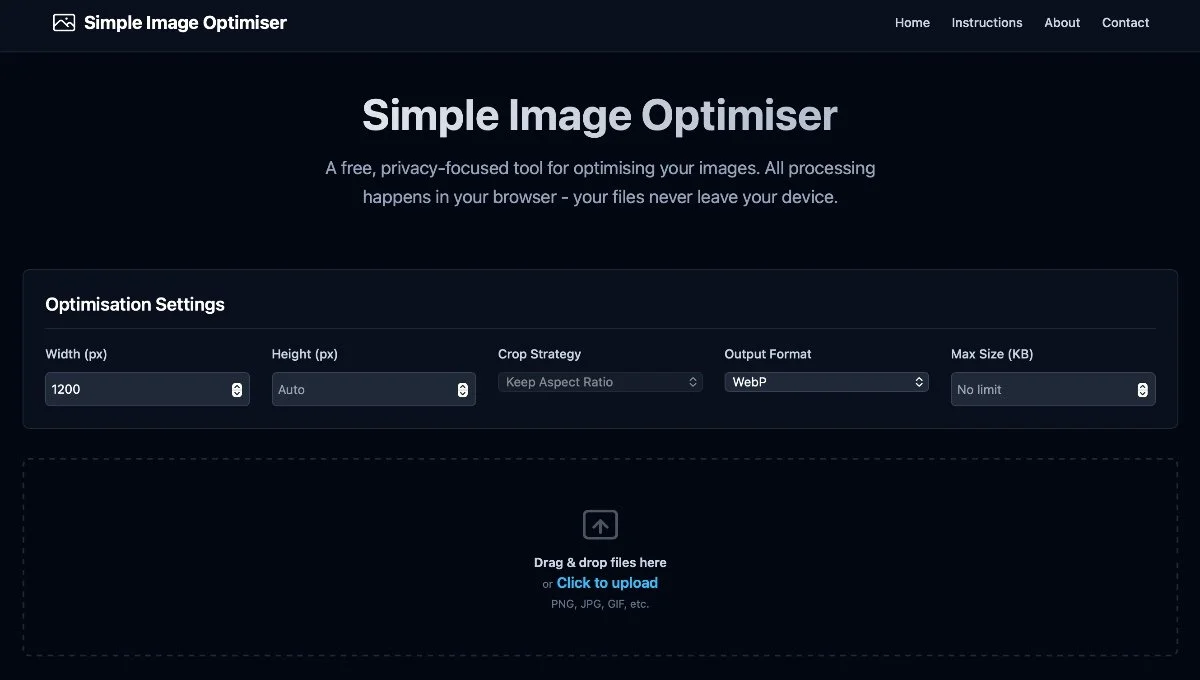
One of the biggest issues I see during site audits is oversized image files. They crush your page load speed and hurt your SEO.
To help my clients and the wider community, my collaborators over at Crouch End Media have built a fantastic, free tool to solve this.
Introducing the Image Optimiser.
It’s designed for simplicity:
Free to use – No subscriptions or complex software needed.
Lossless compression – Get your file sizes down without losing visual crispness.
Web-Ready – Perfect for ensuring your Squarespace site stays lightning-fast.
Pro Tip for Squarespace Users: Once you’ve optimized and uploaded your images, don’t forget that you can use Squarespace’s built-in Image Editor to adjust your focal points and crops via CSS without needing to re-upload. Combine that with this optimiser, and you have the perfect workflow for a high-performance site.
Try it out here.
Work with a trusted Squarespace Designer UK, View my Squarespace Portfolio, Design Portfolio, or Contact an experienced Squarespace Designer UK.
FAQ
Q: Do I need a designer to set up a Squarespace site?
A: While you can build a site yourself, a professional Squarespace designer ensures your site is well-structured, SEO-optimised, and aligned with your brand.
Q: How often should I update my website or blog?
A: Even small updates every few months help keep content fresh, which encourages Google to re-crawl your site and can boost rankings.
Q: What’s the best way to improve SEO on Squarespace?
A: Focus on clear navigation, internal links between pages, optimised meta descriptions, and properly sized images.